MCP, Explained
One plug for every tool; why everyone is suddenly shipping an MCP server.
I kept seeing MCP everywhere, every AI tool suddenly had one, so I built my own to figure out what the fuss was about. Here's the plain-English version of what it is and why it caught on so fast.
What MCP is
MCP stands for Model Context Protocol. In plain terms, it's a standard way to let an AI assistant actually use your apps and information, not just talk about them.
By "tools," I just mean things the AI can do for you: read your email, add an event to your calendar, pull a number from a spreadsheet, or post an update to an app like Slack.
Here's the difference it makes. Ask a normal chatbot to "email Sarah the report," and it'll write out the email, but you still have to copy it and hit send. With MCP, it can send it for you, because it's actually connected to your email.
How it works, simply: an app offers up a list of things it can do (that list lives in something called an MCP server). Your AI assistant, whether that's Claude, ChatGPT, or whatever you use, connects to that list and can start doing those things for you. The apps can be your own, or everyday services you already use like Gmail or Slack.
So instead of just answering questions, the AI can take action for you.
Why it matters
Before MCP, every app connected its tools its own way. If you wanted five AI assistants to work with ten services, someone had to build and maintain fifty separate connections, a different one for each pairing. Every new tool meant more setup, and none of it was reusable. It got messy fast.
MCP gives everyone one standard to follow instead. Build it once, and any assistant that supports MCP can use it without extra setup.
The USB comparison
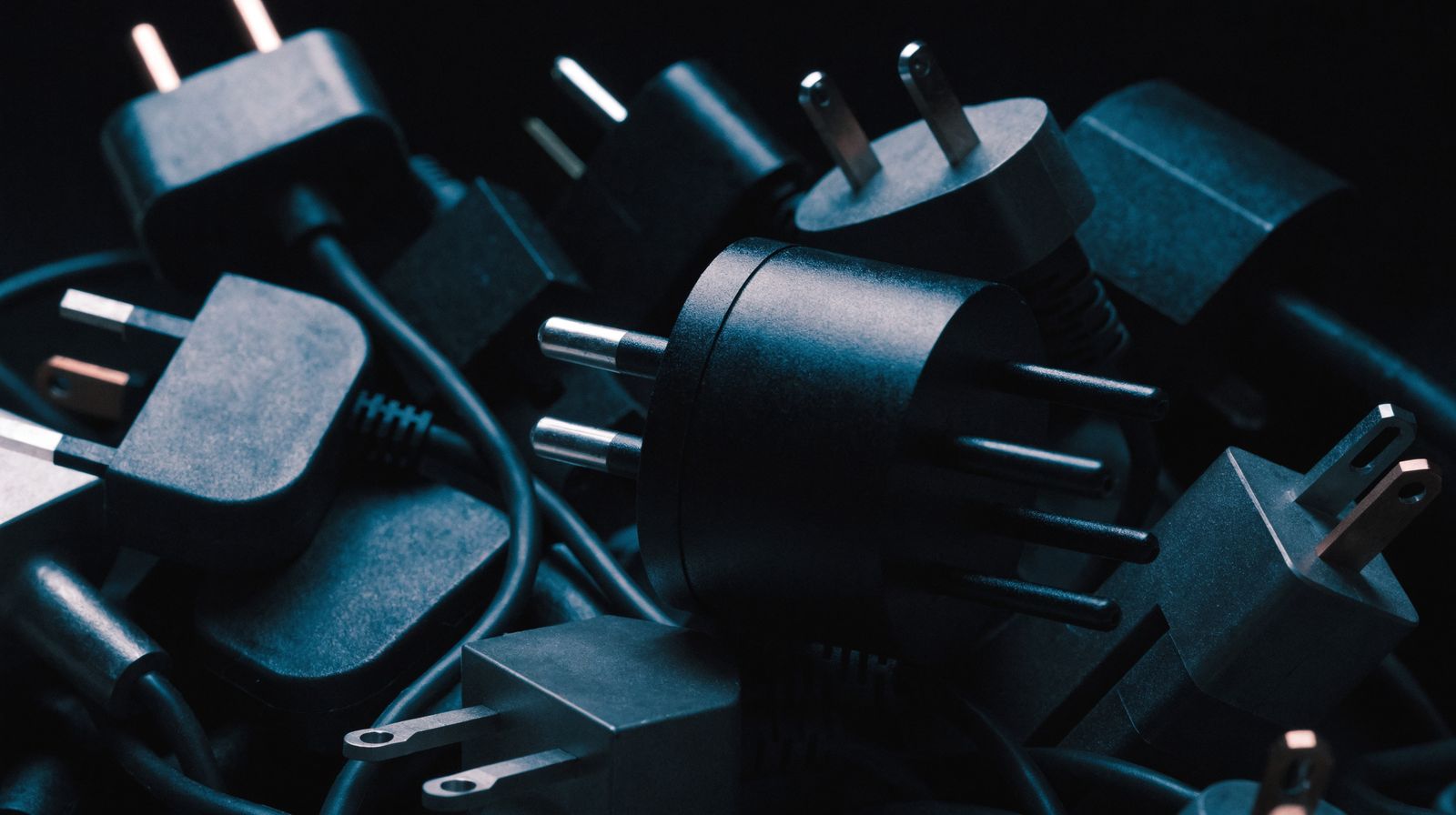
It's a lot like USB. Before USB, every device had its own connector and its own cable, a different plug for your mouse, your printer, your camera. Then one port replaced all of them. MCP is that port for AI tools: build it once, and any assistant can plug in.
Why it took off
That standard turns a big problem into a small one. Build one MCP server and every assistant can use it. Add MCP to an assistant and it works with every server. The work stops multiplying. Pair that with AI that finally got good enough to use tools reliably, and the timing made sense. Almost overnight, it felt like everyone started shipping an MCP server.
Try it
That's the whole idea: one standard plug between AI and the tools it uses. If you want to see it in action, you can stand up your own MCP server on Azure in a few minutes.
One caution before you go shopping for servers: a random sample of the public registry found that under half of them start at all.